


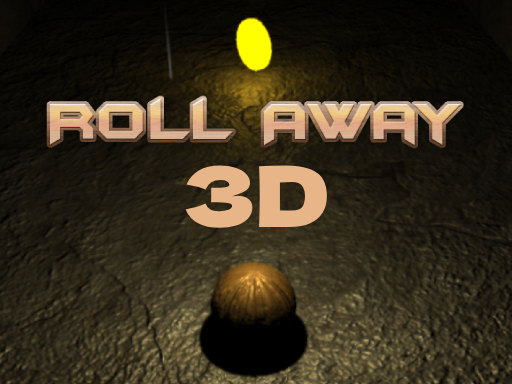
Roll Away 3D
This Ball rolling gameplay mechanics of ZenRoll are elegantly simple yet deeply engaging, centering on the intuitive control of the balls movement through subtle keyboard inputs. As players gracefully navigate through the meticulously crafted levels, they will encounter an array of obstacles and challenges strategically positioned to test their skill and patience. However, fear not, for the difficulty curve is delicately balanced, ensuring a stress-free experience that fosters a sense of exploration and discovery at every turn.
3D Gaming Mastery
- Camera Control: Master camera angles to get the best view of your surroundings.
- Spatial Awareness: Develop your 3D spatial skills to navigate complex environments.
- Depth Perception: Practice judging distances accurately for jumping and moving in 3D space.
- Graphics Settings: Adjust graphics settings for optimal performance and visibility.
- Movement Precision: Use fine motor control for precise movements in 3D environments.
How to Play 3D Games
3D Navigation
Use WASD for movement, mouse for camera control. Learn to navigate in three-dimensional space effectively.
Gameplay Mechanics
Interact with objects in 3D space, solve spatial puzzles, and navigate complex environments with multiple levels.
Performance Tips
Adjust graphics settings if the game runs slowly. Use fullscreen mode for better immersion and performance.